How Antique ID works
Antique ID turns a clear photo into a research identification and value range on iPhone or iPad—so you can move from mystery object to informed next step in minutes.
Estimates are research aids, not certified appraisals. Free trial available on the App Store.
Download on the App StoreUpdated 18 September 2026
Whether you collect, deal, or just inherited something unfamiliar, Antique ID is designed for the moment you need orientation fast. You photograph the piece, the AI reviews visual clues, and you get a structured starting point: likely type, period context and a value range grounded in comparable market signals.
The workflow is deliberately simple because antique research is already complex. Instead of asking you to name the category first, the app starts from what the camera can see—shape, materials, decoration and any marks—then proposes language you can verify against references, auction archives or a specialist. That is how photo identification becomes useful without pretending to be a courtroom-ready appraisal.
Three steps from photo to value range
1. Photograph the antique
Use even light and a simple background. Capture the whole object, then add close-ups of maker’s marks, hallmarks, labels and wear. Clear mark photos often matter as much as the hero shot. For practical tips, see how to photograph an antique for identification and our deeper lander on identifying an antique from a photo.
Open Antique ID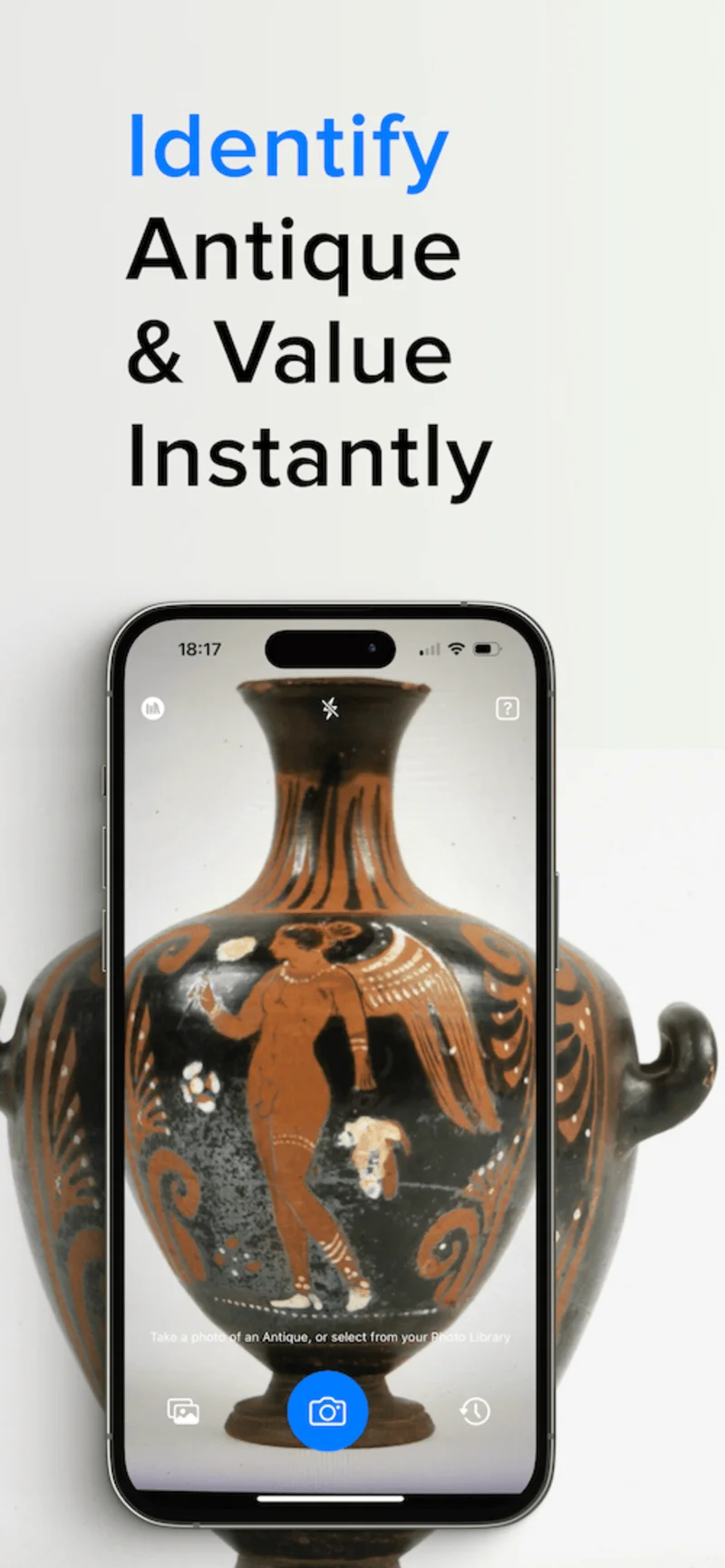
2. Analyse object, marks and era
Antique ID reviews the image for object category, materials and construction clues, legible marks, and style signals that suggest a likely period. You do not need to know the category in advance—the app is built for “what is this?” moments as well as second opinions when you already have a working theory.
Try analysis on iPhone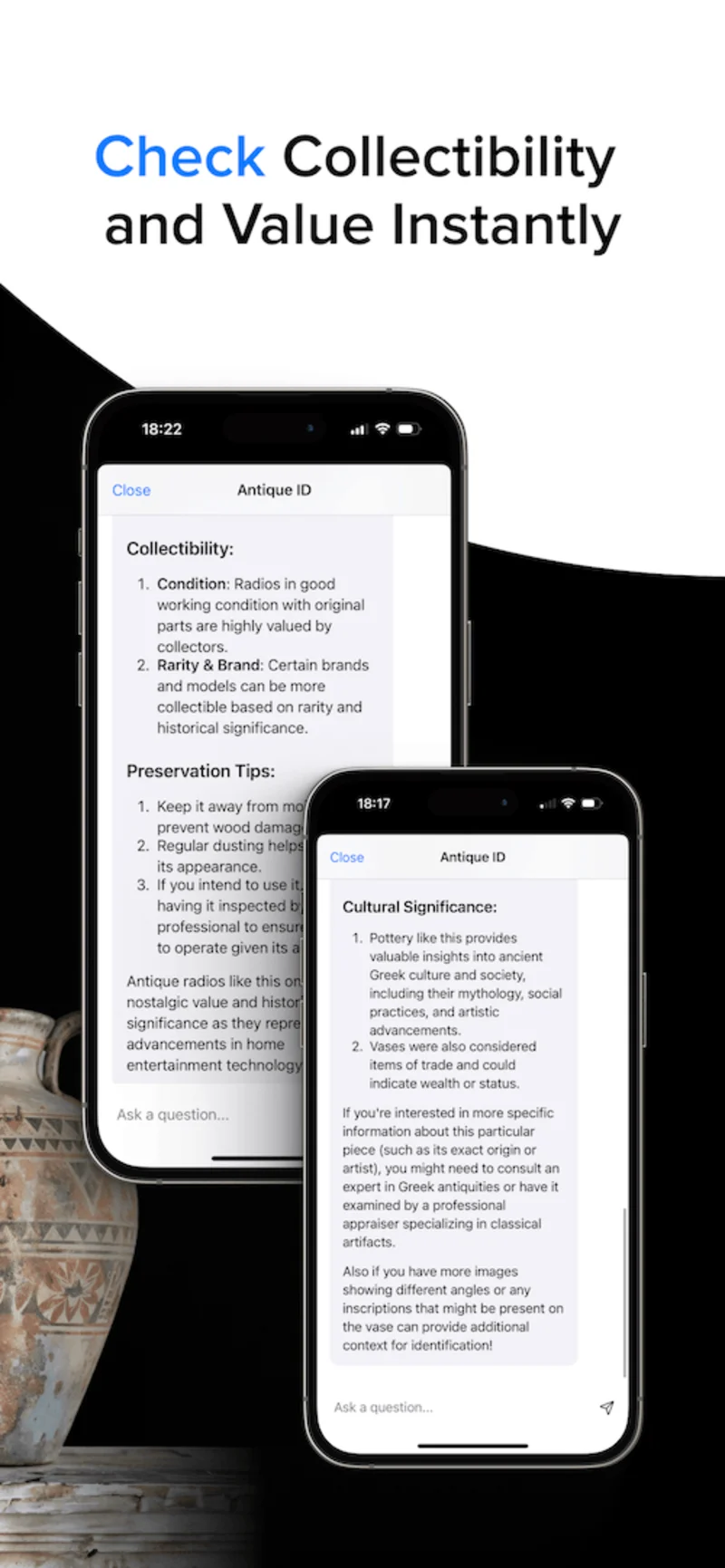
3. Review the research value range
You receive a value range for research—useful when drafting a listing, deciding whether to buy, or preparing questions for a specialist. Treat it as a starting band, then cross-check condition, rarity and current demand. It is not a formal appraisal for insurance, tax or legal work.
Download on the App StoreWhat you get vs what you don’t
| You get | You don’t get |
|---|---|
| Fast identification starting point from a photo | A certified appraisal or legal valuation |
| Likely type, era clues and mark context when visible | Guaranteed authenticity or provenance proof |
| A research value range based on comparable signals | A promised sale price at any venue |
| A free trial on iOS via the App Store | Android / Google Play support |
Who it is for
- Collectors researching era and value before they buy or list
- Dealers seeking a quick second opinion between appointments
- Owners researching an inherited object before they decide next steps
After the app orients you, dig deeper with how to identify antiques, maker’s marks and hallmarks, and antique vs reproduction.
Subscriptions are managed through Apple. Start with the free trial, confirm the app fits your research style, then continue with premium if you want unlimited access. If something looks off—blurry marks, an unexpected category, or a restore-purchase issue—Support covers the usual fixes so you can retake photos and try again without guessing.
Quick FAQ
Ready to try photo identification?